Skip to Content
Skip to Product Info
    • NERO Desktop Monitor Controller
    • NERO Desktop Monitor Controller
    • NERO Desktop Monitor Controller
    • NERO Desktop Monitor Controller

    NERO Desktop Monitor Controller

    Vendor: Station Vibration Type: Misc
    Precision MatchedStereo Volume What does it do? Nero perfectly matches the volume of the left and right channels of your stereo signal using Audient’s custom Precision Matched Attenuation Technology. How...
    Regular Price R 9,000.00
    Tax Included.

    💪 Hurry up! Low Stock

    Pairs well with
    Shop Online With Nationwide Delivery
    Pay & Collect In-Store At 166 Van Riebeeck Avenue Edenvale, Johannesburg, Gauteng, South Africa
    Shop Online & Pickup In-Store
    Payment & Security

    Your payment information is processed securely. We do not store or have access to your credit card details.

      Precision Matched
      Stereo Volume


      What does it do?

      Nero perfectly matches the volume of the left and right channels of your stereo signal using Audient’s custom Precision Matched Attenuation Technology.


      How does it help?

      Unlike other monitor controllers, this prevents any deviation in volume between your left and right monitors or unbalancing of your stereo image, enabling you to monitor accurately and mix with confidence.


      Inputs


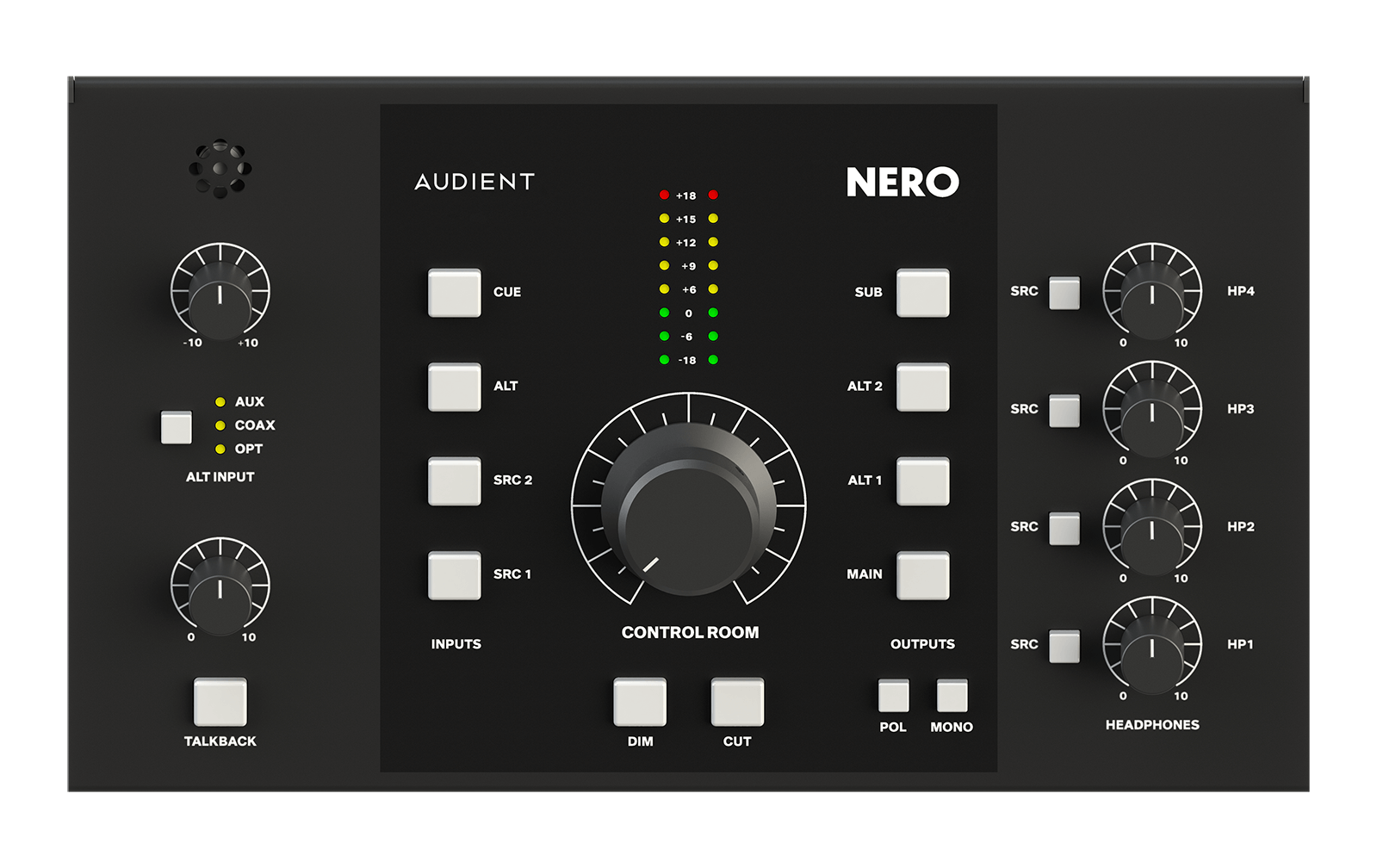
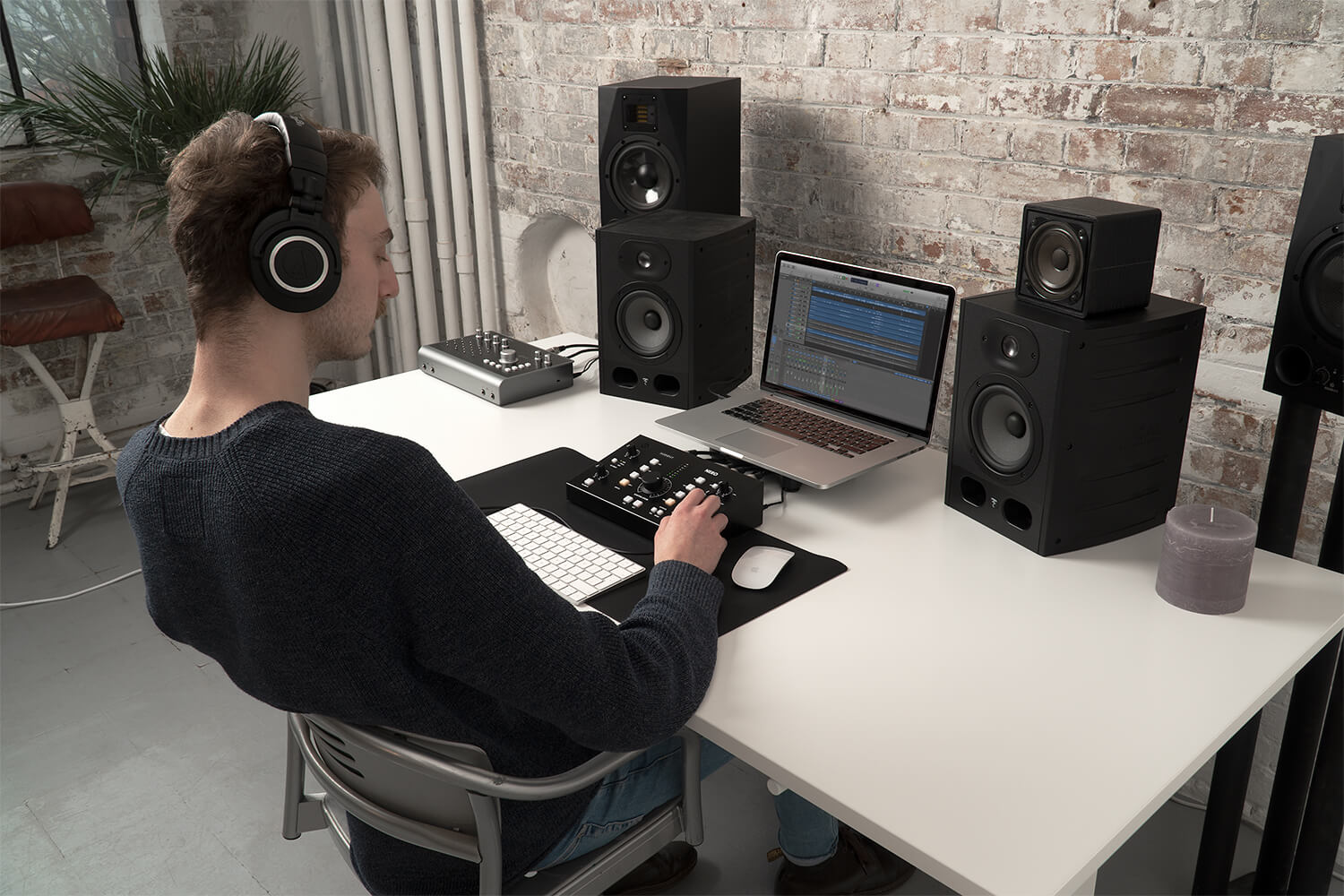
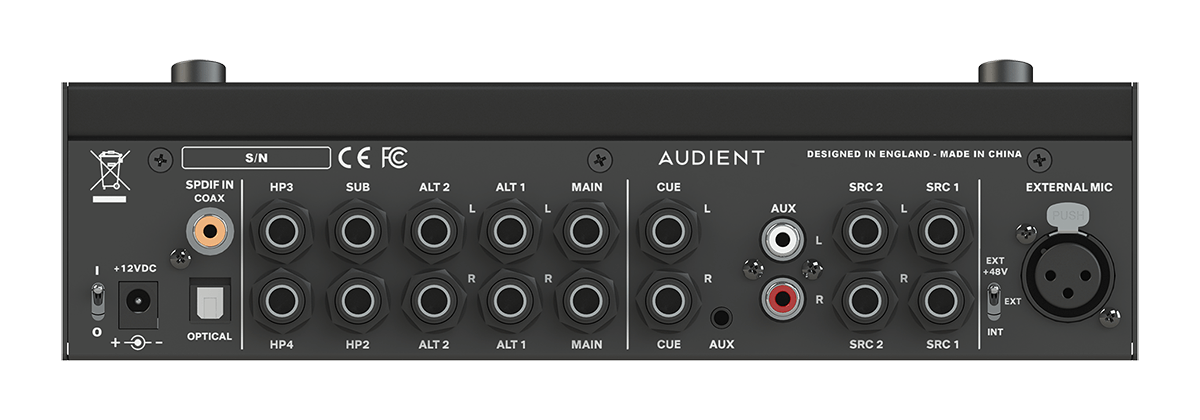
      As your studio grows it becomes harder to control. Nero enables you to centralise, connect and control all your monitoring needs from your desktop using Nero’s array of stereo inputs.


      2 x Stereo Inputs

      Plug in your interface

      Dedicated Cue Mix

      Better monitoring for your artists

      Mini Jack Input

      Plug in your phone

      RCA Inputs

      Plug in media player


      Outputs


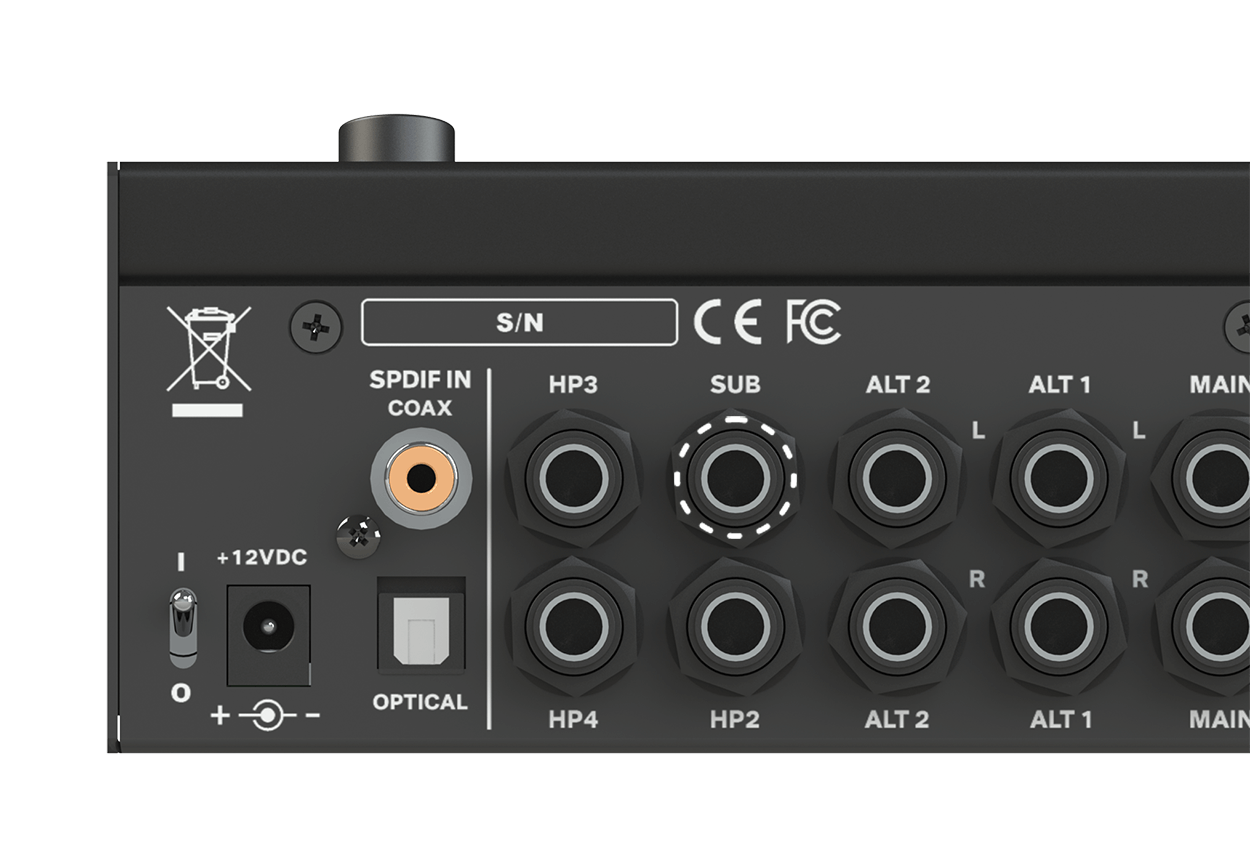
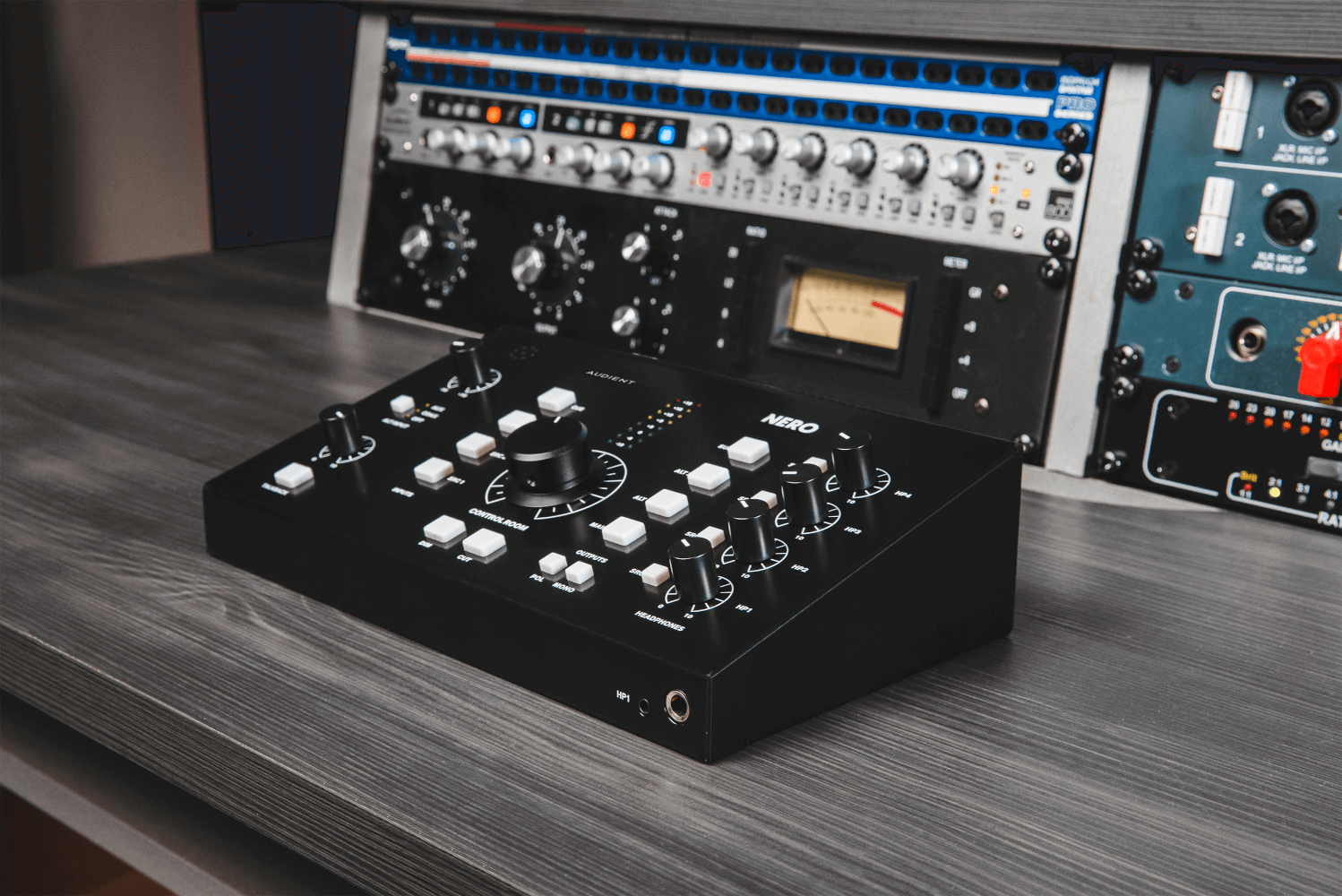
      Reference your mixes on up to three sets of speakers, independently set and match volume for all speakers and audition and assign your sub to any monitor path. Nero also provides one dedicated monitor grade headphone amp and three foldback grade headphone amps, making sure you’re ready to take on the loudest of sessions with crystal clear headphone mixes.


      Main Stereo Ouputs

      Plug in your favourite speakers

      2 x Alt Stereo Outputs

      Plug in alternative speakers for referencing

      Subwoofer Output

      Assign your sub to any output

      4 x Headphone Outputs

      Communicate with your artists


      Features


      • 4 x Stereo Analogue sources
      • 2 x Line Level Inputs
      • 1 x Dedicated Cue Mix Input
      • 1 x Aux Input (RCA or Mini Jack)
      • Optical & Coaxial S/PDIF Inputs
      • 3 x Stereo Speaker Outputs
      • 1 x Assignable Sub Output

      • 4 x Headphone Outputs with flexible routing
      • Smart Touchpoints for user customisation
      • Talkback Input
      • Internal Microphone
      • External Talkback Input
      • Dim, Cut, Mono & Polarity Monitor Controls



      go to top


      Specifications


      +18dBu

      Max Input Level
      (Balanced)

      192kHz

      Digital Sample Rates

      113dB

      Dynamic Range
      (DAC)

      20Hz to22kHz

      Speaker Output
      Frequency Response

      0.0015%

      Speaker Output
      THD+ N

      0.0009%

      Headphone Output
      THD+N


      Assignable Sub


      Easily assign a sub to activate when switching to a monitor path of choice but maintain the ability to switch it on and off without losing your saved preset. Nero also lets you audition the sub on any alternative set of speakers without forcing you to assign it permanently.


      Smart Touchpoints


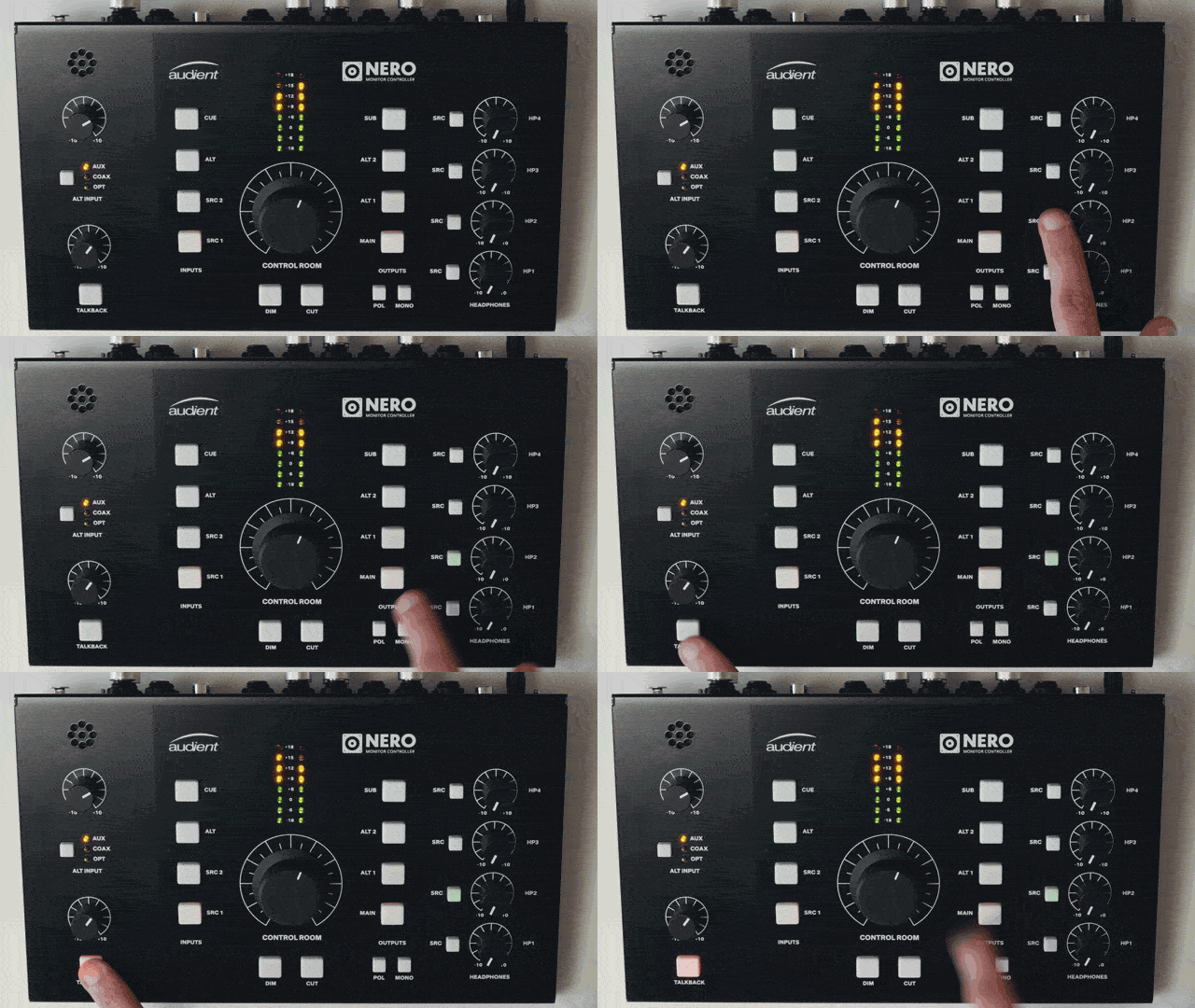
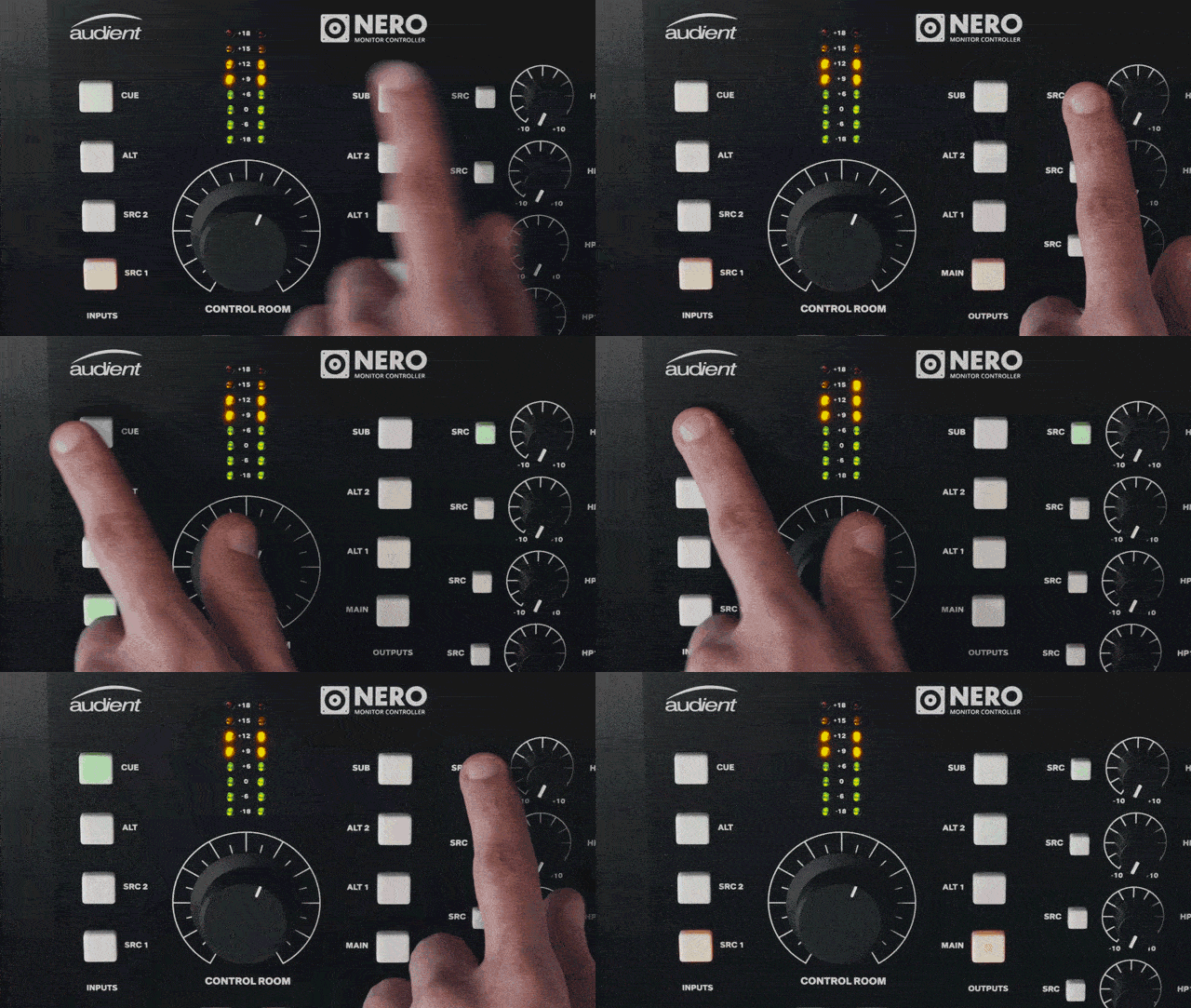
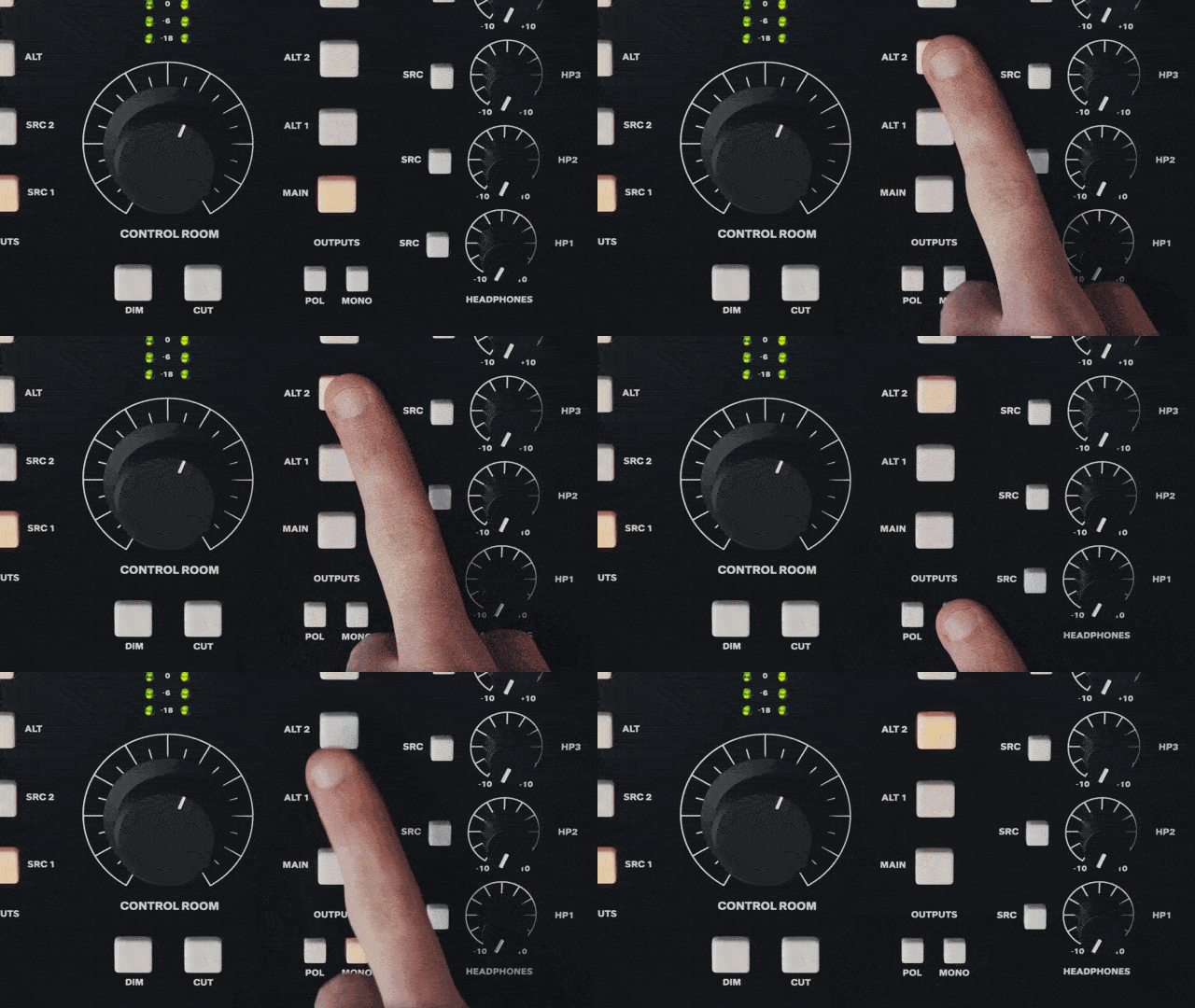
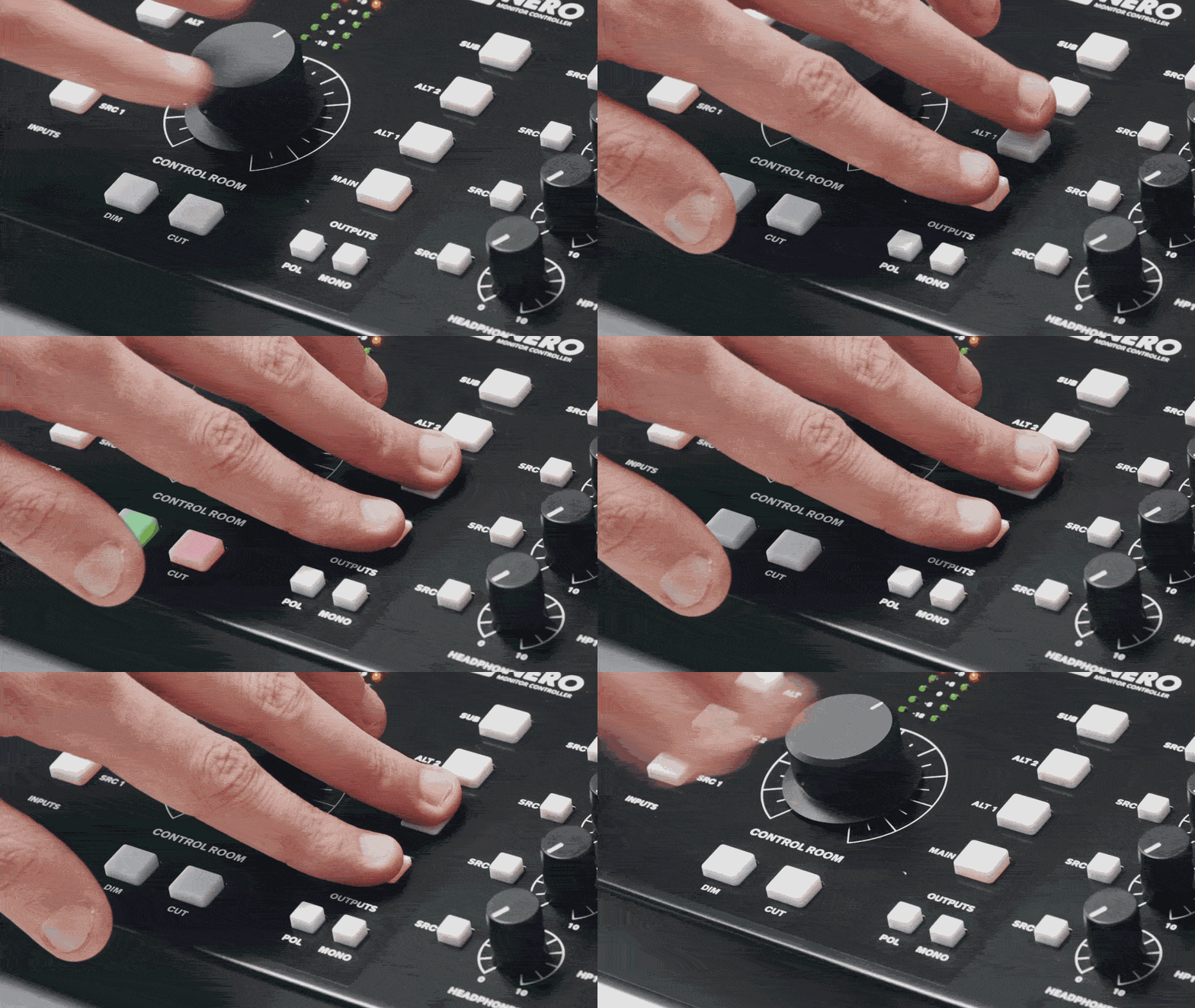
      Smart Touchpoints enable you to customise your workflow on the fly. Easily route and configure Nero’s outputs and monitor controls to create monitoring combinations that suit you. Simply hold down a Smart Touchpoint to put it into setup mode, select your routing options and press it again to save.


      Assign the Talkback Mic to any or all headphone outputs and quickly communicate with your artists.Assign your Subwoofer to any any or all of your 3 stereo outputs. Or switch on and off to audition without losing your saved routing.Take control of your headphone mixes. Assign any input source to your headphone outputs using the SRC buttons.Save time by easily setting any of your outputs permanently to Mono. Perfect for your Mono reference speakers.Save all your settings permanently by holding down any two speaker output buttons.


      Console Style
      Monitor Control


      Utilising Audient’s vast experience in implementing monitor control in both recording consoles and desktop controllers, Nero features David Dearden designed circuitry as well as a range of advanced monitor controls.


      User Defined Dim

      Customise and set the attenuation of the dim function using the volume knob

      Tactile Speaker Set

      Audition your mixes by quickly switching multiple sets of speakers

      Sum and Difference

      Use this classic trick to quickly hear your stereo information and check the sides of your mix


      Latching Buttons

      Activate Dim, Mono or Talkback with either a tap (latch) or a tap and hold

      Cue Mix Monitoring

      Reference what your artist is hearing, make adjustments and fix problems fast

      Smart Mono Mode

      Permanently assign a mono speaker without preventing mono functionality on other sources


      Talkback


      3 Input Sources
      (Internal, Dynamic, Condenser)

      Dedicated
      Gain Control

      Assignable
      Headphone Selection


      Communicate with your artist quickly using Nero’s dedicated talkback mic or any microphone of your choice.

      Quickly adjust the talkback mic with more than enough volume to make your artists feel comfortable when recording

      Route your talkback mic to any or specific headphone mixes and always be in control of your session

      Recently Viewed

      Your browsing history.